ClickRoam Delivery & Timing: When and How to Activate Your eSIM
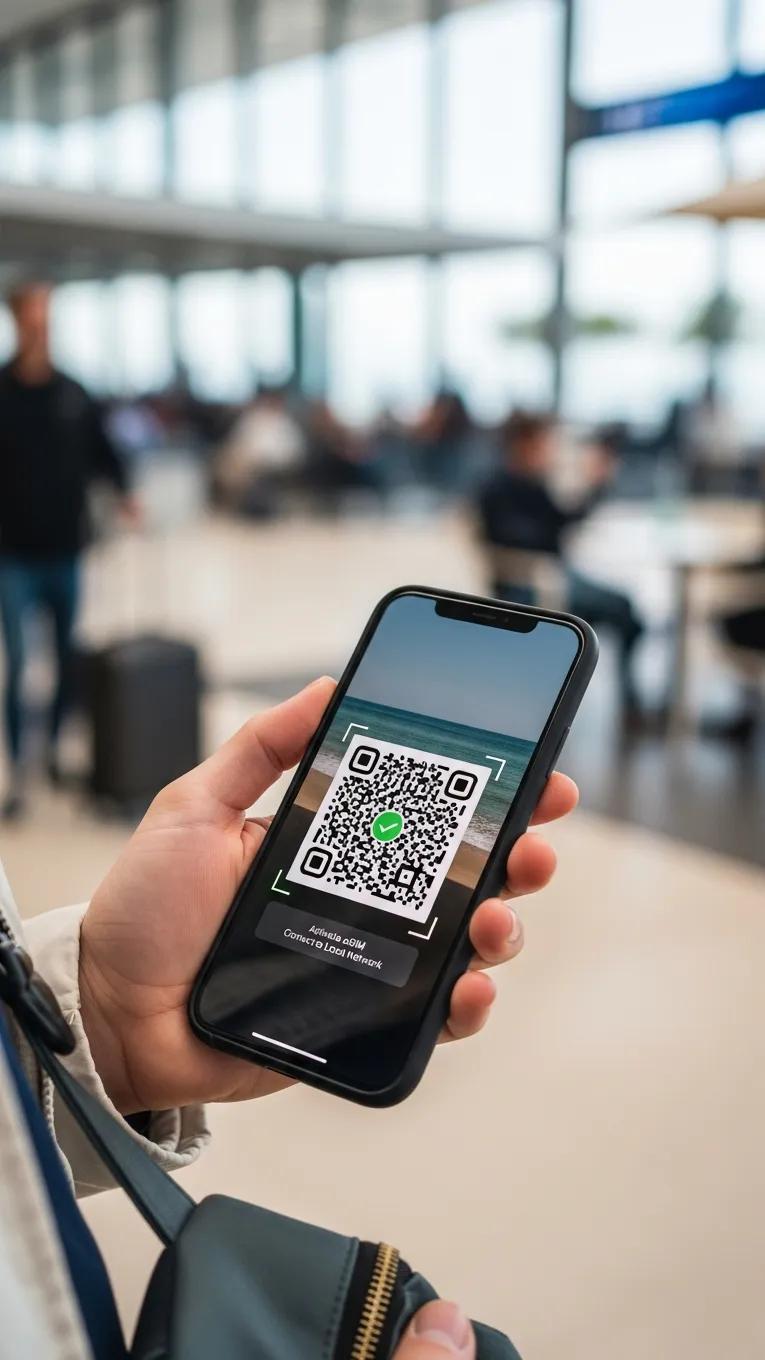
Get connected the moment you land. Understanding the timing of your eSIM delivery and activation is the key to a frictionless travel experience. This guide ensures you know exactly what to expect from the moment you click "Purchase" to the second you start roaming on our unthrottled 5G network.
We will cover our instant email delivery process, the flexibility of our one-tap activation links, and why ClickRoam's 365-day pre-activation window is a strategic advantage for travelers who plan ahead. By following these best practices, you can eliminate setup anxiety and keep your focus on the journey.
Email Delivery
Success in travel starts with instant access. At ClickRoam, your activation credentials—including your One-Tap Activation Link and backup QR Code—are dispatched to your inbox the moment your purchase is confirmed.
Pro-Tip: If you don't see your email within 60 seconds, check your 'Promotions' or 'Junk' folders. Our delivery is automated to ensure you aren't left waiting at the gate.
Role of Activation Links & QR Codes
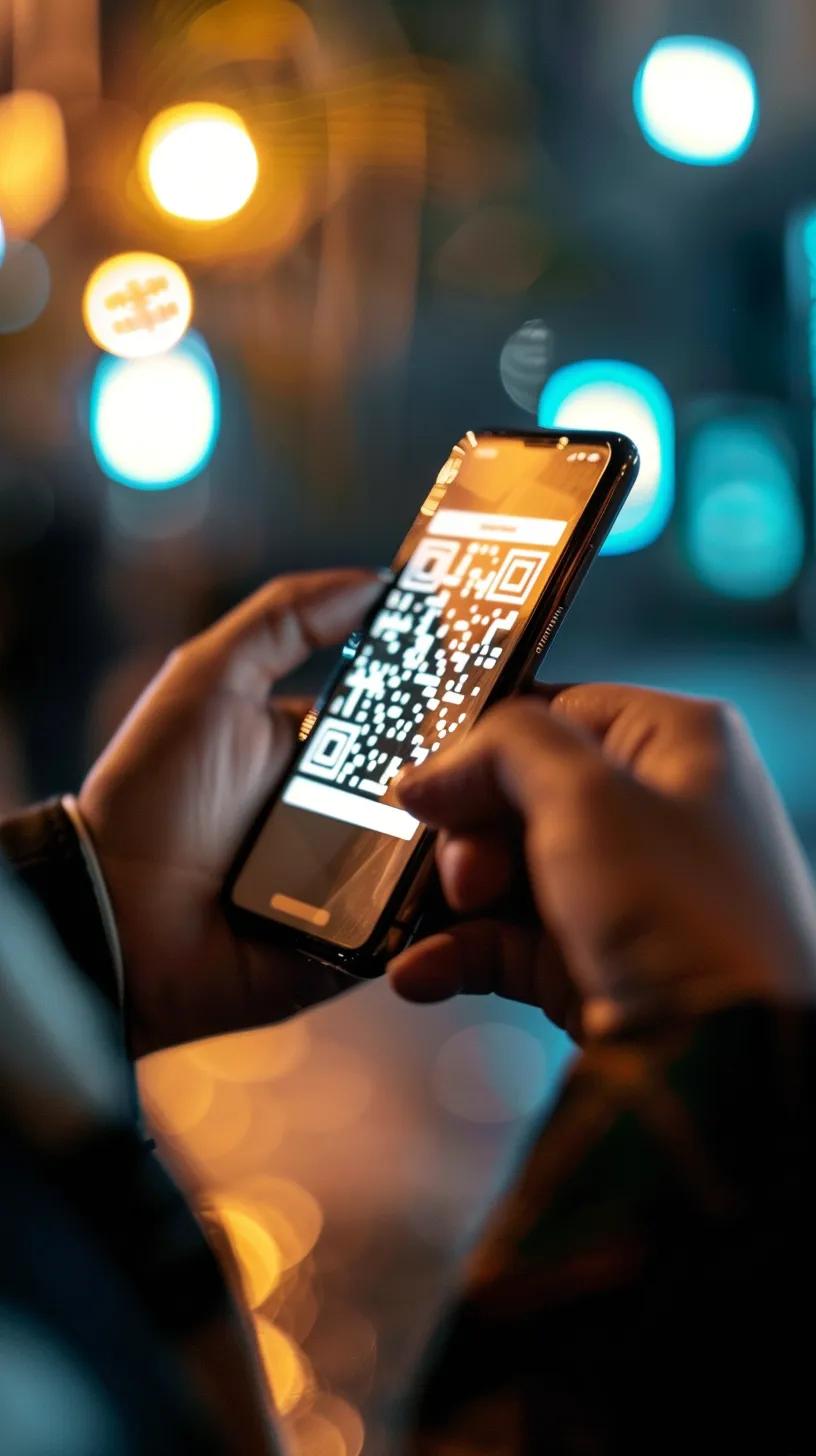
We offer two paths to connectivity. The Instant Activation Link is designed for one-tap setup directly on your smartphone—no scanning required. For users accessing their email on a secondary device (like a laptop or tablet), the QR Code serves as a secure digital key. Both methods automatically configure your device with the necessary settings to access our unthrottled 4GLTE/5G network, ensuring that even the most complex technical setup is handled in the background.
Timing Considerations for Activation
While ClickRoam plans offer a 365-day pre-activation validity window, the "clock" on your data duration only begins the moment the eSIM is activated on a local network.
Strategic Recommendation: Install your eSIM while on Wi-Fi before you head to the airport. You won't "waste" any of your data days during the flight; the plan will simply sit ready to connect the moment your plane touches down and you toggle the line on.
Activation Timing | Best Practice | Impact on Connectivity |
|---|---|---|
Pre-Departure | nstall on home/office Wi-Fi | Seamless Arrival: Instant 5G as you land |
Upon Arrival | Use Airport Wi-Fi to activate | Potential Friction: Dependent on public Wi-Fi speed |
Mid-Trip | Purchase & activate on the go | Immediate Recovery: Replaces throttled roaming instantly |
This table illustrates the importance of timely activation and the methods of delivery that can impact your connectivity experience.
What Is the Typical eSIM Activation Time and Email Delivery Process?
The typical eSIM activation time is designed to be quick, with email delivery occurring shortly after purchase. Users can expect to receive their activation email within minutes, allowing them to start the activation process without unnecessary delays. However, factors such as device compatibility and network conditions can affect the overall activation experience. Understanding these elements can help users prepare for a smooth transition to eSIM technology.
How to Use Your Activation Email for Instant eSIM Setup?
Open & Click: Open your confirmation email and tap the Instant Activation Link.
Confirm Profile: Your device will prompt you to "Add Cellular Plan." Tap Continue.
Set Label: Name your new line "ClickRoam" or "Travel" to stay organized.
Click & Roam: Once you land, ensure Data Roaming is ON for this line. You're ready to go.
What Are the Steps to Scan a QR Code for eSIM Activation?
Scanning a QR code for eSIM activation involves a few straightforward steps:
Ensure Compatibility: Confirm your device is carrier-unlocked and eSIM-ready using the ClickRoam Compatibility Checker.
Access Settings: On your device, navigate to Settings > Cellular (or Mobile Data).
Add eSIM: Select Add eSIM or Add Cellular Plan.
Scan & Go: Point your camera at the QR code provided in your email. Your device will automatically detect the ClickRoam profile and begin the secure handshake process.
What Are Common Issues with eSIM Email Delivery and How to Troubleshoot Them?

Despite the generally smooth process, users may encounter common issues with eSIM email delivery. It is essential to be aware of these potential problems and how to troubleshoot them effectively.
What Should You Do If You Do Not Receive the Activation Email?
Our delivery system is automated to trigger the moment your transaction is finalized. If you don't see your credentials within 60 seconds, follow this checklist to get back in your flow:
Check Secondary Folders: High-security filters sometimes route automated credentials to Spam, Junk, or Promotions.
Confirm Payment Success: Ensure you received a transaction confirmation from your bank or payment provider; delivery follows successful processing.
Verify Email Syntax: Double-check the email address used at checkout for typos.
Contact Support if Issues Persist: If you do not receive the email after a reasonable time, reach out to ClickRoam's support for assistance. We can manually resend your activation link and QR code instantly.
By aligning your activation timing with your travel schedule and utilizing our instant delivery infrastructure, you eliminate the stress of traditional roaming. ClickRoam is built to ensure that from the moment you purchase to the second you land, your global connectivity is a solved problem. Ready to roam? Browse Our Plans.