Work-Ready Tethering and Hotspot Setup with Global eSIM Plans for Reliable International Mobile Data

In an increasingly connected world, having reliable mobile data while traveling is essential for both personal and professional needs. This article delves into the process of setting up work-ready tethering and hotspot capabilities using global eSIM plans, specifically focusing on ClickRoam's offerings. Readers will learn how to activate eSIM technology for seamless internet connectivity, enabling them to stay productive while on the go. The pain point of unreliable data connections can be alleviated through effective eSIM solutions, which provide instant access to mobile data without the hassle of traditional SIM cards. We will explore the benefits of ClickRoam eSIM, step-by-step activation instructions, and troubleshooting tips to ensure a smooth experience.
Benefits of ClickRoam eSIM
ClickRoam's eSIM technology offers several advantages for international travelers seeking reliable mobile data.
Instant Connectivity: Activate your eSIM in minutes upon arrival, eliminating the need for physical SIM cards.
Global Coverage: Access 4G/5G data plans in over 150 countries without incurring roaming fees.
Work-Ready Tethering: No restrictions on hotspot usage, allowing you to connect multiple devices seamlessly.
Best Signal Switch: Automatically connects to the strongest local carrier to ensure a reliable signal.
No Speed Throttling: Enjoy the full speed you paid for without hidden fees or throttling.
These benefits make ClickRoam's eSIM an ideal choice for digital nomads and business travelers alike.
Features
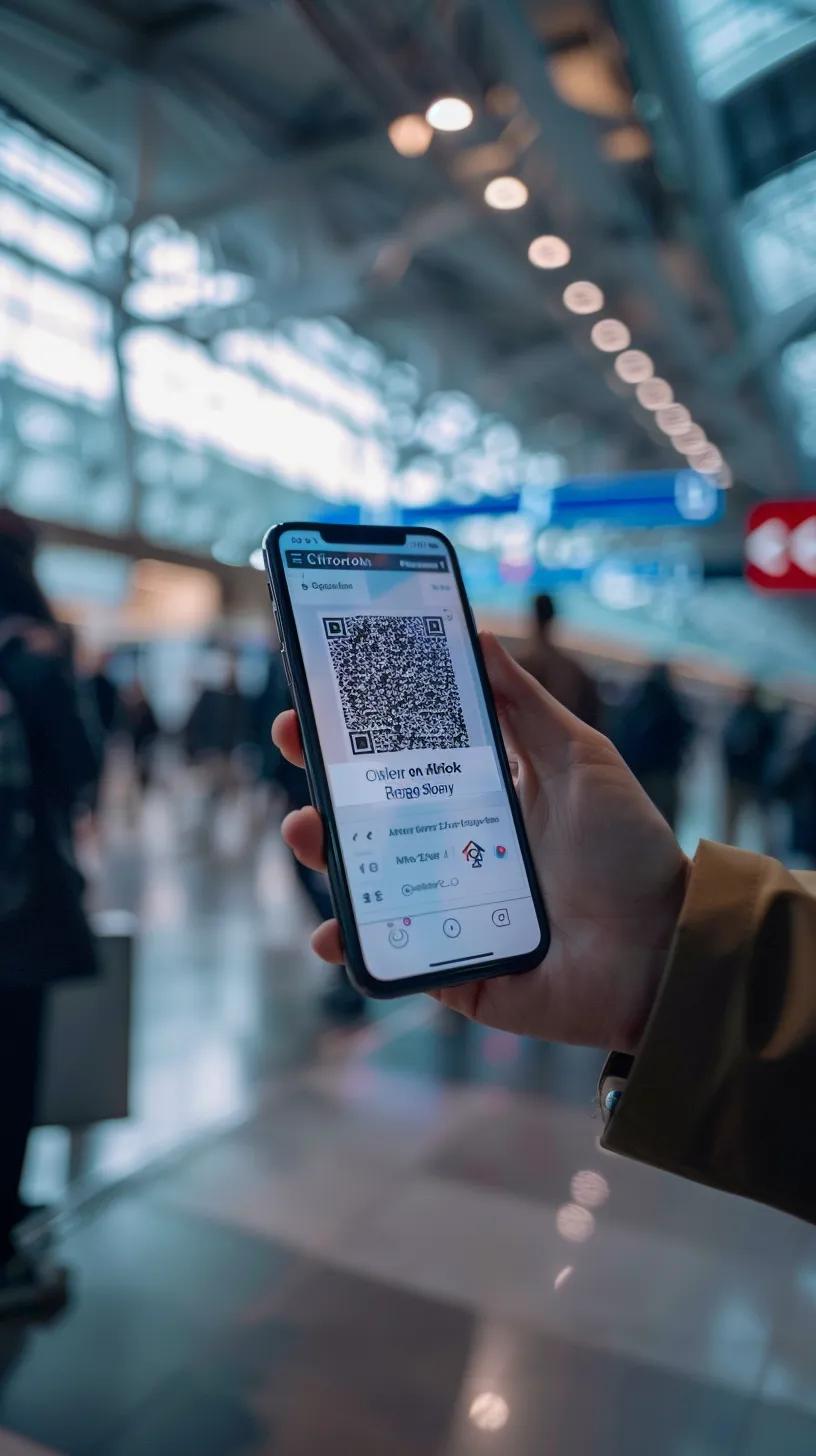
ClickRoam's eSIM plans come with a variety of features designed to enhance user experience and connectivity.
365-Day Guarantee: Plans remain active for a year until activated, providing flexibility for travelers.
Zero Hidden Fees: The price you see is the price you pay, ensuring transparency in costs.
Compatibility: Works with most smartphones made after 2018, provided they are eSIM-compatible and unlocked.
These features ensure that users can enjoy a hassle-free experience while traveling internationally.
Step-by-Step Instructions for Activating ClickRoam eSIM for Tethering
Turn your smartphone into a secure, high-speed mobile command center. ClickRoam plans include unthrottled tethering at no additional cost, ensuring you can connect your laptop, tablet, or secondary devices whenever you need to stay in your flow.
Check Compatibility
Before purchase, ensure your device is carrier-unlocked and supports eSIM technology using the ClickRoam eSIM Compatibility Checker. For the best tethering experience, we recommend using a 5G-enabled device to provide maximum bandwidth to your connected hardware.
Choose & Buy
Select a data plan suitable for your destination from the ClickRoam Marketplace. All our curated plans are "tethering-ready" by default—there’s no need to purchase a separate add-on or worry about hidden hotspot caps.
Scan & Click to Roam
Upon purchase, you will receive an Instant Activation Link and a backup QR Code. Simply tap the link on your mobile device to begin the automatic setup. Within seconds, your device will be configured to our unthrottled network, ready for multi-device connectivity.
Enable Personal Hotspot
Once activated, navigate to your device’s Settings > Personal Hotspot (or Mobile Hotspot). Toggle the feature ON and set a secure password. Your ClickRoam data is now available to be shared with your laptop, tablet, or team members nearby.
Start Using High-Performance Data
You are now ready to handle bandwidth-intensive tasks—from video conferencing and large file transfers to streaming—without the speed caps found in traditional roaming plans. Whether you're working from a café in Milan or a train through the Alps, ClickRoam keeps your entire tech stack connected.
What is an eSIM and how does it enable work-ready tethering?
An eSIM, or embedded SIM, is a digital SIM that allows users to activate a mobile data plan without the need for a physical SIM card. This technology enables users to switch carriers and plans easily, providing flexibility and convenience. The eSIM functions by embedding a digital SIM within the device, which can be programmed with different carrier profiles. This capability is particularly beneficial for work-ready tethering, as it allows users to connect multiple devices to the internet without the hassle of swapping physical SIM cards.
How does eSIM technology differ from traditional SIM cards?
eSIM technology differs from traditional SIM cards in several key ways. Firstly, eSIMs are embedded in devices and can be activated remotely, eliminating the need for physical swapping. In contrast, traditional SIM cards require users to insert or replace them manually. Additionally, eSIMs offer greater flexibility, allowing users to switch between carriers and plans without needing a new physical card. This makes eSIMs a more convenient option for frequent travelers and digital nomads.
In what ways does eSIM support instant hotspot setup for travelers?
eSIM technology supports instant hotspot setup for travelers through a streamlined activation process. Users can activate their mobile data in just three steps: checking compatibility, purchasing a plan, and scanning a QR code. This quick setup allows travelers to connect to the internet immediately upon arrival at their destination, ensuring they can stay productive without delays.
How to set up tethering and portable WiFi hotspot using ClickRoam eSIM?

Setting up tethering and a portable WiFi hotspot using ClickRoam eSIM is a simple process that enhances connectivity for multiple devices.
Check Compatibility: Utilize ClickRoam's Device Compatibility Checker to ensure your device supports eSIM technology.
Purchase a Plan: Choose a suitable data plan from the ClickRoam Marketplace.
Activate eSIM: Scan the QR code received via email to activate your eSIM.
Enable Hotspot: Access your device settings to enable the mobile hotspot feature.
Connect Devices: Share your mobile data with other devices as needed.
This straightforward process allows users to maintain connectivity while traveling.
What are the benefits of using ClickRoam global eSIM plans for international mobile data?
Using ClickRoam's global eSIM plans offers several benefits for international mobile data users.
Cost-Effectiveness: ClickRoam provides zero hidden fees, meaning the price you see is the price you pay.
Global Coverage: Users can access data in over 150 countries without incurring additional roaming charges.
Ease of Use: The activation process is quick and user-friendly, allowing for immediate connectivity.
These advantages make ClickRoam an attractive option for travelers seeking reliable mobile data solutions.
How do ClickRoam plans offer cost-effective connectivity for digital nomads?
ClickRoam's plans cater to digital nomads by offering flexible pricing and no device locking issues. This flexibility allows users to choose plans that best fit their travel needs without being tied to a specific carrier or device. Additionally, the absence of hidden fees ensures that users can budget effectively for their mobile data needs while traveling.
This focus on supporting a mobile workforce aligns with the growing trend of digital nomadism, a lifestyle increasingly enabled by advancements in mobile technology.
What coverage and data allowances do ClickRoam plans provide across destinations?
ClickRoam plans provide extensive coverage and generous data allowances across various destinations. Users can expect reliable connectivity in over 150 countries, ensuring they remain connected regardless of their location. The plans are designed to meet the needs of travelers, offering sufficient data for both personal and professional use.
How to troubleshoot common tethering and hotspot setup issues with ClickRoam eSIM?
Troubleshooting common tethering and hotspot setup issues with ClickRoam eSIM can help users maintain connectivity.
Check Device Compatibility: Ensure your device is eSIM-compatible and unlocked.
Verify Activation: Confirm that your eSIM has been activated correctly by checking your device settings.
Restart Device: Sometimes, a simple restart can resolve connectivity issues.
Re-enable Hotspot: If the hotspot is not working, try disabling and re-enabling the mobile hotspot feature.
By following these troubleshooting steps, users can quickly resolve common issues and enjoy uninterrupted connectivity.