How to Activate Your ClickRoam eSIM: Instant Setup & QR Guide Copy
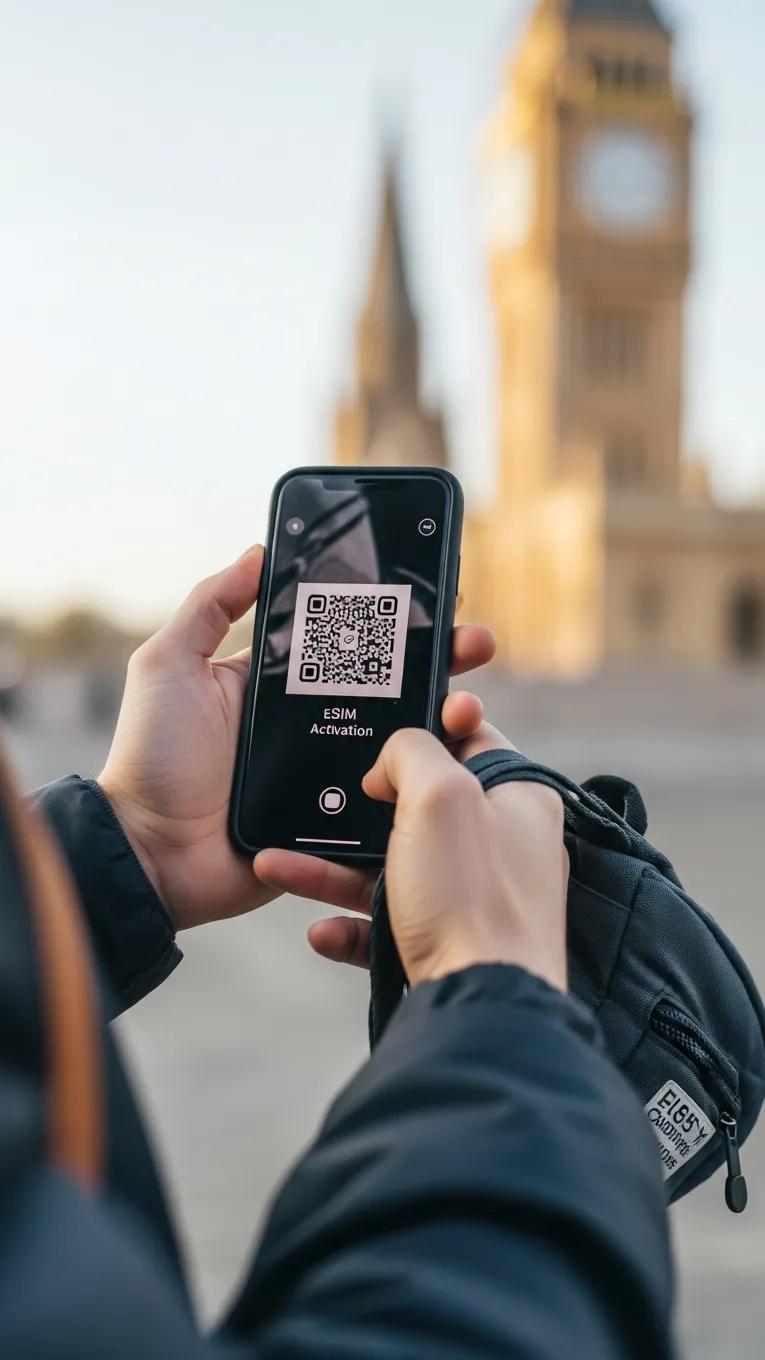
Stay in your flow with instant global connectivity. Whether you are using our one-tap activation link or scanning a QR code, setting up your ClickRoam eSIM is designed to be effortless. This guide provides a detailed, step-by-step walkthrough to help you activate your plan and get moving in minutes.
In this guide, we cover the advantages of unthrottled 4GLTE/5G connectivity, the simple mechanics of QR activation, and troubleshooting tips to ensure you stay connected across 150+ countries. Ready to go? Let’s Click & Roam.
What Is an eSIM and How Does QR Code Activation Work?
An eSIM is a digital-first alternative to the physical SIM card, built directly into your smartphone's hardware. Instead of swapping plastic chips, you simply download your service profile over the air. QR code activation acts as the bridge, once scanned, it automatically configures your device with ClickRoam’s unthrottled data settings, allowing you to bypass local kiosks and start roaming the moment you land.
This method of digital provisioning through QR codes is a key aspect of modern eSIM technology.
How Does eSIM Technology Replace Physical SIM Cards?
eSIM technology eliminates the friction of traditional travel connectivity. Because there is no physical card to lose or damage, you can store multiple profiles on a single device and switch between them with a tap. For the modern traveler, this means instant access to 5G networks without waiting for a package in the mail or searching for a local store. It’s a cleaner, faster, and more secure way to manage your global "flow."
This shift from physical cards to embedded digital solutions marks a significant evolution in how mobile connectivity is managed.
What Role Does the QR Code Play in eSIM Activation?
Think of the QR code as your digital key to the local network. When you scan it, your device securely retrieves the necessary configuration to unlock ClickRoam’s unthrottled 4G/5G service. This process is encrypted and takes only moments to complete, offering a higher level of security than traditional SIMs by eliminating the risk of physical theft or cloning. At ClickRoam, we ensure this "digital handshake" is seamless, so you can focus on your journey, not your settings.
The convenience of QR code activation is part of a broader trend towards flexible, over-the-air provisioning for eSIM services.
How to Scan and Activate Your ClickRoam eSIM Efficiently
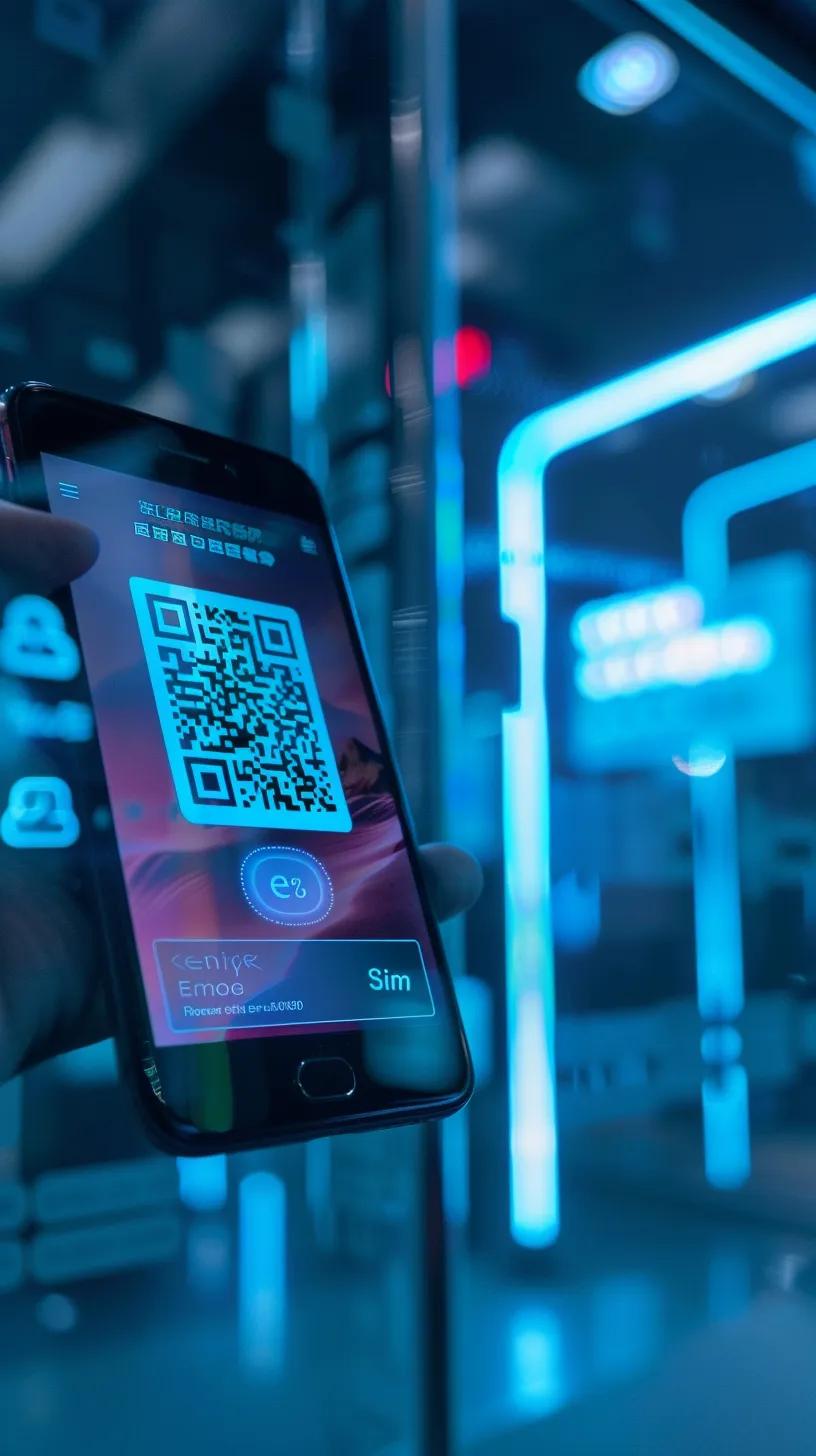
Scanning Process
Receive the credentials: After purchasing your eSIM plan from the ClickRoam Marketplace, you will receive an email containing your Instant Activation Link and a backup QR code.
Choose your method:
One-Tap Activation: Simply click the link provided in the email on your mobile device to begin the automatic installation.
Manual Scan: Open your device settings, navigate to Mobile Data or Cellular, and select the option to add an eSIM.
Finalize setup: If using the manual method, use your device’s camera to scan the QR code. Follow the on-screen prompts to complete the process in seconds.
Activation Steps
Confirm installation: Your device will prompt you to confirm the installation of the ClickRoam eSIM profile. Tap Continue or Confirm.
Activate the eSIM: Once confirmed, your eSIM will activate automatically. You will receive a system notification once the line is live and ready for use.
Check connectivity: Ensure the new eSIM is selected for Cellular Data in your settings. Check your signal strength in the top bar—you’re now connected to our unthrottled network.
Troubleshooting Tips
Most activation hurdles can be cleared in seconds. If you aren't seeing a signal immediately after installation, try these steps:
Device compatibility: Utilizing the ClickRoam Compatibility Checker ensure that your device supports eSIM technology and is compatible with ClickRoam services.
Enable Data Roaming: This is the most common fix. Ensure Data Roaming is toggled "ON" in your device's cellular settings for the ClickRoam eSIM line.
Toggle Airplane Mode: Switch Airplane Mode on for 10 seconds and then off. This forces your device to perform an Automatic Carrier Switch to the strongest local signal.
Set as Primary Data: Go to your cellular settings and ensure your ClickRoam eSIM is selected as your Primary Data Line.
Contact support: If problems persist, reach out to ClickRoam support for assistance with your activation.
Which Devices Are Compatible with ClickRoam eSIM QR Code Activation?
Designed for Modern Hardware ClickRoam's unthrottled 4GLTE/5G technology is compatible with the latest generation of eSIM-enabled devices, including:
iPhones: All models from the iPhone XS, XR, and SE (2nd Gen) onwards, including the latest iPhone 17 series.
Android Devices: Recent Google Pixel (Series 4 and later) and Samsung Galaxy (S20, Z Flip, and Fold series) models.
Tablets & Laptops: iPad Pro, iPad Air, and select Windows 10/11 laptops with eSIM capabilities.
Unsure about your device? Use our Compatibility Checker to verify your hardware in seconds before you purchase.
What Are the Benefits of Using ClickRoam eSIM Plans for International Travel?

Why Modern Travelers Choose ClickRoam
We don't just provide data; we provide a professional-grade connection designed for the modern nomad.
Unthrottled Performance: Experience full 4G/5G speeds without the hidden "Fair Usage" caps that slow down traditional roaming.
Standard Tethering: Unlike many providers, we include hotspot support at no extra cost, allowing you to share your connection across all your devices.
Strategic Savings: Save up to 50% compared to traditional carrier roaming while accessing premium local networks.
Using ClickRoam eSIM plans offers several benefits for international travelers:
Cost savings: ClickRoam provides competitive pricing for data plans on the ClickRoam eSIM Marketplace, allowing travelers to save on roaming charges.
Coverage options: With global coverage, ClickRoam ensures that users can stay connected in various countries without hassle.
Ease of activation: The One-Tap-Activation or QR code activation process allows for quick and easy setup, eliminating the need for physical SIM cards.
Benefit | Description | Value |
|---|---|---|
Cost savings | Competitive pricing for data plans | Up to 50% savings compared to traditional roaming |
Coverage options | Global coverage in over 100 countries | Seamless connectivity worldwide |
Ease of activation | Quick QR code activation | Instant access to mobile data |
How Does ClickRoam Ensure Global Coverage and Cost-Effective Data?
ClickRoam partners with multiple local carriers to provide extensive global coverage. This strategy allows them to offer competitive pricing without compromising service quality. Users can enjoy the highest available 4G/LTE and 5G connectivity in many regions, ensuring fast and reliable internet access. Additionally, ClickRoam's transparent pricing model means no hidden fees or unexpected charges, making it easier for travelers to budget their mobile expenses.
Why Is Instant QR Code Activation Important for Travelers?
The Power of "Click & Roam" Speed is the ultimate travel luxury. Instant activation means you bypass the arrival-gate hustle—no searching for kiosks, no language barriers, and no physical SIM swaps. Whether you use our One-Tap Activation Link or the QR code backup, ClickRoam ensures you are online the moment the cabin door opens. It’s about more than just maps; it’s about maintaining your flow from one destination to the next.
With instant activation, travelers can access maps, communicate with loved ones, and stay updated on travel plans without delay. This frictionless experience enhances the overall travel experience, allowing users to focus on their journey rather than connectivity issues.
How to Troubleshoot Common Issues During eSIM Activation
When activating your eSIM, you may encounter common issues. Here are some troubleshooting tips:
What Are Frequent Activation Problems and Their Solutions?
"Unable to Complete Cellular Plan Change": This usually happens if you are in a low-signal area. Ensure you are connected to a stable Wi-Fi network before attempting the scan or clicking the activation link.
"QR Code Already Used": An eSIM can typically only be installed once. Check your Cellular/Mobile Data settings to see if "ClickRoam" or "Travel" is already listed as a secondary line.
No Signal After Activation: This is almost always a settings issue. Go to Settings > Cellular > [ClickRoam eSIM] and ensure Data Roaming is toggled ON. Without this, the eSIM cannot "handshake" with the local Tier-1 carrier.
Device not supported: Verify that your device is compatible with eSIM technology utilizing the ClickRoam Compatibility Checker. Your device must be carrier-unlocked to use an eSIM.
Network issues: Check for network outages in your area that may affect activation.
When Should You Contact ClickRoam Support for Activation Help?
If you continue to experience issues after troubleshooting, it may be time to contact ClickRoam support.
For the fastest resolution, please have the following ready:
Your Order Number.
A screenshot of your current Cellular Data settings.
The specific error message displayed by your device (if any).
Our support team is equipped to assist you with activation problems and ensure you can connect without hassle.
Ready to experience unthrottled freedom?
Don't wait for the airport Wi-Fi. Secure your connection today and roam the world with confidence.